Goblins persist in the Amazon.com self-publishing tool


This is probably how the goblins look. Photo: Bigstock
by Katerina Lorenzatos Makris ~
For all you folks who are thinking about self-publishing an e-book some day, or who are already doing so, we’ve got some good news and some bad news.
Bad news first
Halloween was frightful because it was on that day that I tried unsuccessfully to publish our third Spicy Story on the Amazon Kindle Direct e-book self-publishing tool. The first two stories had posted nicely without a hitch, but the third time was definitely not the charm.
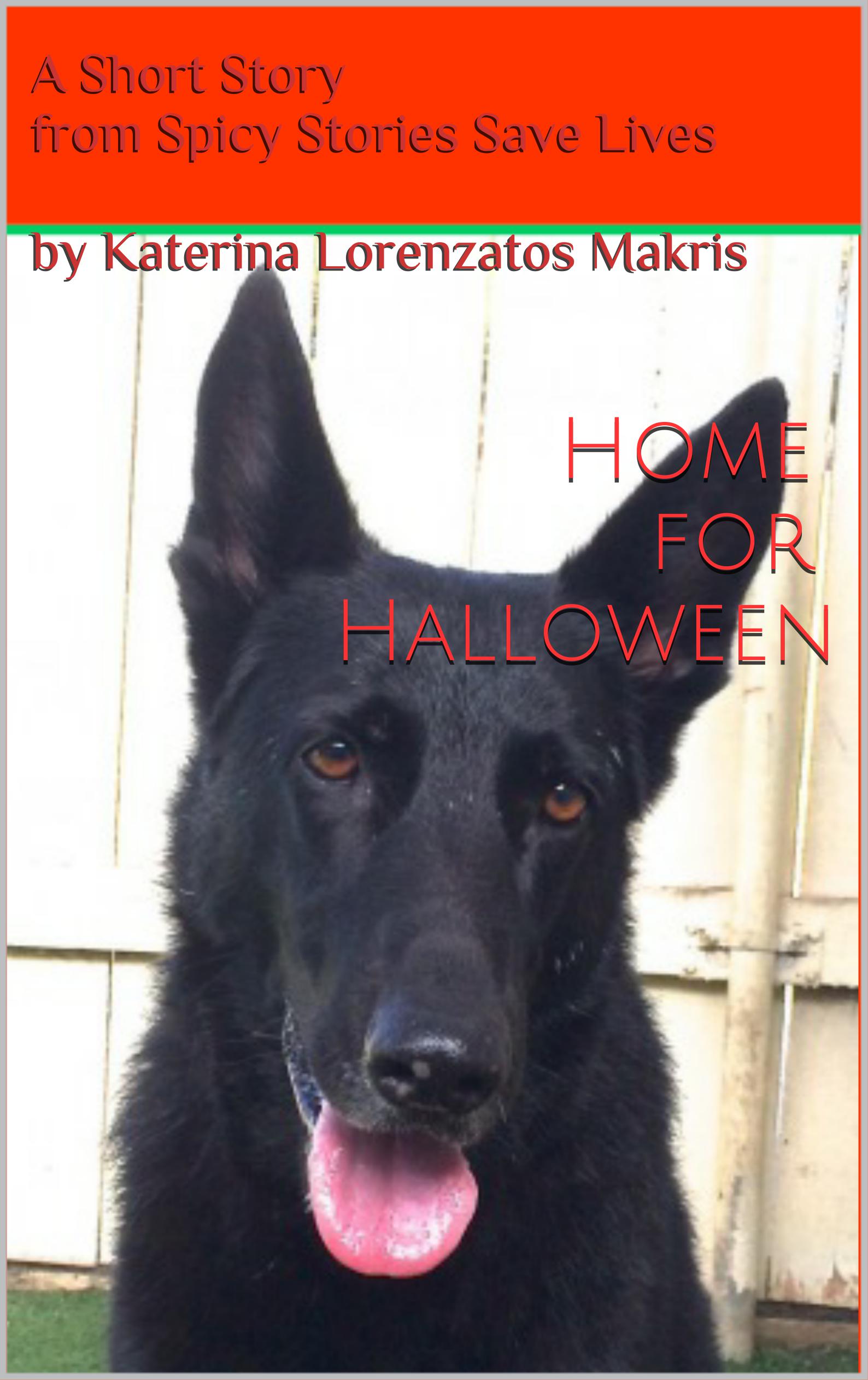
“Home for Halloween,” a spooky romantic read, is available now on Amazon.com
“Wait a second. What the heck is a Spicy Story?” you ask.
Well, the goal is to sell original romantic fiction through Spicy Stories Save Lives so as to support my rather severe animal rescue addiction and so as to donate to rescue groups to support their own over-the-top rescue addictions. In fact between 20% and 100% of my profits on each story will go to in-the-trenches rescue groups.
Since you asked, here is a free sample of a Spicy Story, titled “Endowed.” And here is a published one, “Home for Halloween,” that just might tempt you, now that you know you’ll be helping animals with your inexpensive but very helpful $2.99 purchase. Obviously “Home for Halloween” has a Halloween theme, duh, but it’s also good for any time you’re in the mood for a spooky read.
Anyhoo, I lost a bunch of sleep that week trying to get the third story ready since it was another one that contained a Halloween sub-theme. (Am I really into Halloween? I think you know the answer to that now.)
Didn’t need a Halloween costume because exhaustion turned me into a version of the Addams Family mom Morticia—deathly pale, eyes rimmed in shadows, lips red from chewing on them in nervous agitation.
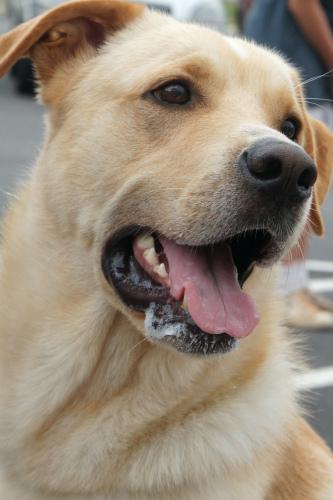
Ramblin’ Wreck, handsome cover model for FREE Spicy Story “Endowed”
Correction: Cannot pretend to be anywhere near as darkly elegant and splendidly Goth as Morticia Addams, but still.
So I went through all the required publishing steps, and to my knowledge performed them superbly. But nada. Didn’t happen. The process got stuck repeatedly in the “Cover Creator” stage and refused to budge.
I blame goblins.
Now for the good news
Amazon.com apparently employs actual humans to communicate with customers regarding possible goblins in their Direct to Kindle e-book self-publishing tool. They don’t just cede responsibility to pre-fab, automated replies. They don’t leave customers to flail about battling the goblins on our own.
I believe this to be the case because of the emails received from individuals at Amazon with actual names. Well, at least individuals with first names. Their last names are abbreviated to initials. But that’s convincing enough for me.
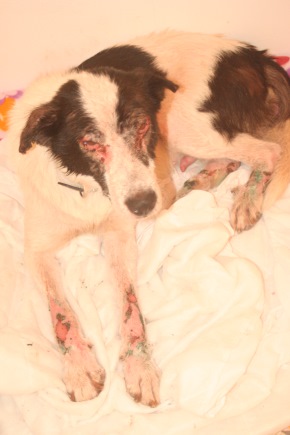
Agapi, one of our rescues in 2012, ravaged by two different diseases and abandoned on the streets, looked fit for Halloween back then / Photo: Katerina Lorenzatos Makris
21 days and counting
In other bad news, however, 21 days have passed since I first reported the goblins to Amazon, and despite some replies from the presumably human individuals on their staff, and despite my providing all the information those individuals requested in various emails, the goblins persist. Result: after three weeks I am still not able to publish that Spicy Story.
Just for your information and illumination, in case you ever encounter these particular goblins yourself, below you’ll find the emails back and forth with the individuals who seem to be human at Amazon.
As for the goblins at Amazon, they have not yet sent me emails. But I wouldn’t put it past them.
EMAILS WITH AMAZON.COM
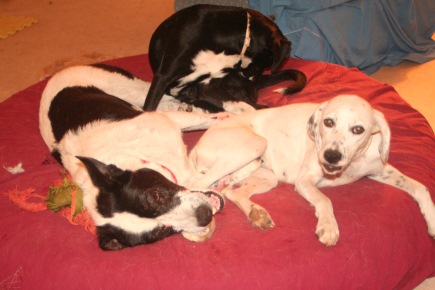
Agapi a year later, a whole lot healthier, goofing off with his foster sisters Julia (back) and Despi (right) / Photo: Katerina Lorenzatos Makris
(Names changed and email addresses removed in the interest of privacy..)
Nov. 17 2013
Hello Katerina,
I wanted to let you know that I’m still researching the issue with your cover creator. It’s taking longer than usual to resolve this, and I’m very sorry about the delay. I’ll be in touch with you again with an update as soon as possible.
Thanks for your continued patience.
Regards,
Jerrilyn B.
Kindle Direct Publishing
http://kdp.amazon.com
=============================
—- Original message: —-
Hello Tapani Lumar ~
Thanks for your email.
Attached please find two screenshots, as requested:
1) The screen where I am located BEFORE I click the ‘Preview’ button. This screen shows the cover I have created using Amazon’s ‘Cover Creator.’
2) The screen that appears AFTER I click the ‘Preview’ button. This screen shows a little icon with an orange wheel turning and the word “Updating.” As mentioned in my previous email, the screen gets “stuck” here. I have let it run for an hour and it never progresses beyond this screen. It continues to just say “Updating” with the little orange wheel turning. I have tried it several times, and I have tried it from both Chrome and Mozilla.
Thus I have been unable to publish our book “Faraway Valley – Book 1” since I first tried on Oct. 31, 2013.
Thanks for your help.
Best regards,
Katerina Lorenzatos Makris
Editor, Spicy Stories Save Lives
________________________________
From: Kindle Direct Publishing
Sent: Wednesday, November 6, 2013 6:09 AM
Subject: Your Amazon KDP Inquiry
Hello,
Thank you for providing us the requested information.
In order for us to loop in the appropriate department for further investigation, we need a screenshot.
Please reply to this email with the screenshot of what you are seeing while clicking on “Preview” and we will assist you further.
For information on how to take a screenshot, please visit the link below:
http://www.howtotakescreenshot.com/
We look forward to hearing from you.
Thanks for using Amazon KDP.
………………………………………………………
Did I solve your problem?
If yes, please click here:
http://www.amazon.com/gp/help/survey?p=*************&k=hy
If no, please click here:
http://www.amazon.com/gp/help/survey?p=*************&k=hn
………………………………………………………
Regards,
Tapani Lumar
Kindle Direct Publishing
http://kdp.amazon.com/
=============================
—- Original message: —-
Customer Name: SPICY STORIES SAVE LIVES
Subject: Gets stuck trying to ‘Preview’ and won’t publish
Hello Amazon staff ~
Below you’ll find my original inquiry about the fact that the publishing tool is getting stuck in the ‘cover creator’ when I try to create a cover for my book Faraway Valley Book 1, so I am unable to publish my book. Also you’ll find the response to my inquiry from an Amazon representative named Balaji B.
Here are my replies to the questions asked by Dajani D.
1. Text of error message received if any.
None
2. URL of error page
[URL redacted for privacy purposes]
3. Internet Browser (Type/Version)
I tried it in Mozilla and also in Chrome and had the same problem in both browsers.
The Chrome version is 30.0.1599.101 m.
The Mozilla version is 25.0
4. What device was used to access the website?
Dell laptop
5. What Operating System are you using? Mac or PC?
PC – Windows 7 operating system
5. Approximate time problem began
About 4p – 5p on Oct. 31.
6. Steps taken to troubleshoot
Please see below.
7. Additional insight describing the problem
When I try to publish my e-book titled Faraway Valley Book 1, it gets stuck in the Amazon ‘cover creator.’
I save the cover, then I click “Preview,” but instead of giving me a preview it goes to a screen where there’s a little orange wheel icon turning endlessly in a box that says “Updating.”
I let it run for an hour, but it never gives me a preview, and it never progresses to the next window for “Save and Submit.” So I can’t publish my book.
I tried rebooting my laptop then doing the whole thing over again several times, but same result. I have tried from both Mozilla and Chrome.
Any help would be much appreciated.
Best regards,
SPICY STORIES SAVE LIVES / Editor: Katerina Lorenzatos Makris
*************
From: Kindle Direct Publishing
Nov 1 at 5:50 AM
Hello,
I apologize for your experience with our Cover Creator. I’d like to get this issue resolved for you as soon as possible, but we’ll need to do additional troubleshooting first.
Please contact us (https://kdp.amazon.com/self-publishing/contact-us) and include details for any applicable items in the list below which could help us troubleshoot the issue:
1. Text of error message received if any.
2. URL of error page
3. Internet Browser (Type/Version)
4. What device was used to access the website?
5. What Operating System are you using? Mac or PC?
5. Approximate time problem began
6. Steps taken to troubleshoot
7. Additional insight describing the problem
Thanks for your patience while we work on a solution.
………………………………………………………
Did I solve your problem?
If yes, please click here:
http://www.amazon.com/gp/help/survey?p=**************************&k=hy
If no, please click here:
http://www.amazon.com/gp/help/survey?p=**************************&k=hn
………………………………………………………
Regards,
Dajani D
Kindle Direct Publishing
http://kdp.amazon.com/
=============================
—- Original message: —-
Customer Name: SPICY STORIES SAVE LIVES
Subject: Gets stuck trying to ‘Preview’ and won’t publish
Please fill in the following information:
ASIN or name of book: Faraway Valley Book 1
Date submitted: October 31, 2013
I’ve created a cover using the Amazon cover creator. I saved it, then I clicked ‘Preview.’ It got stuck there with a little wheel icon turning endlessly. I let it run for an hour, but it never gave me a preview, and it never progressed to the next window for ‘Save and Submit.’ So I couldn’t publish my book.
I tried rebooting my laptop then doing the whole thing over again, but same result. I also tried from a different browser. Made at least 3 attempts with the same result.
Any help would be much appreciated.
Please FOLLOW Spicy Stories Save Lives by clicking the ‘SUBSCRIBE’ button above. You’ll receive email notifications of our new articles. We will NEVER give your email address to anyone else. And it’s free!
Spicy Stories Save Lives proudly sponsors needy animals in the U.S. and around the world.
For example we help Kefalonia Animal Trust (KATs) provide free spay/neuter for hundreds of animals per year, which is one of the best ways to prevent the abandonment and misery of puppies like Noah and Kyla. Please give to KATs via PayPal or bank transfer. Spay/neuter and education are the animals’ best hope for a better future.
Also please consider Animal Rescue Kefalonia (ARK), another group on the island who run a shelter (and took care of Julia) and work miracles with terribly few resources.
Spicy Stories Save Lives and the author of this article have no affiliation with KATs and ARK other than as a friend, volunteer, and donor.
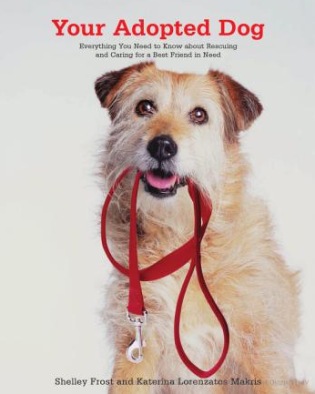 Seen our book? Your Adopted Dog: Everything You Need to Know About Rescuing and Caring for a Best Friend in Need, by Shelley Frost and Katerina Lorenzatos Makris, available through Amazon.com.